Step Village
A little village you build by walking
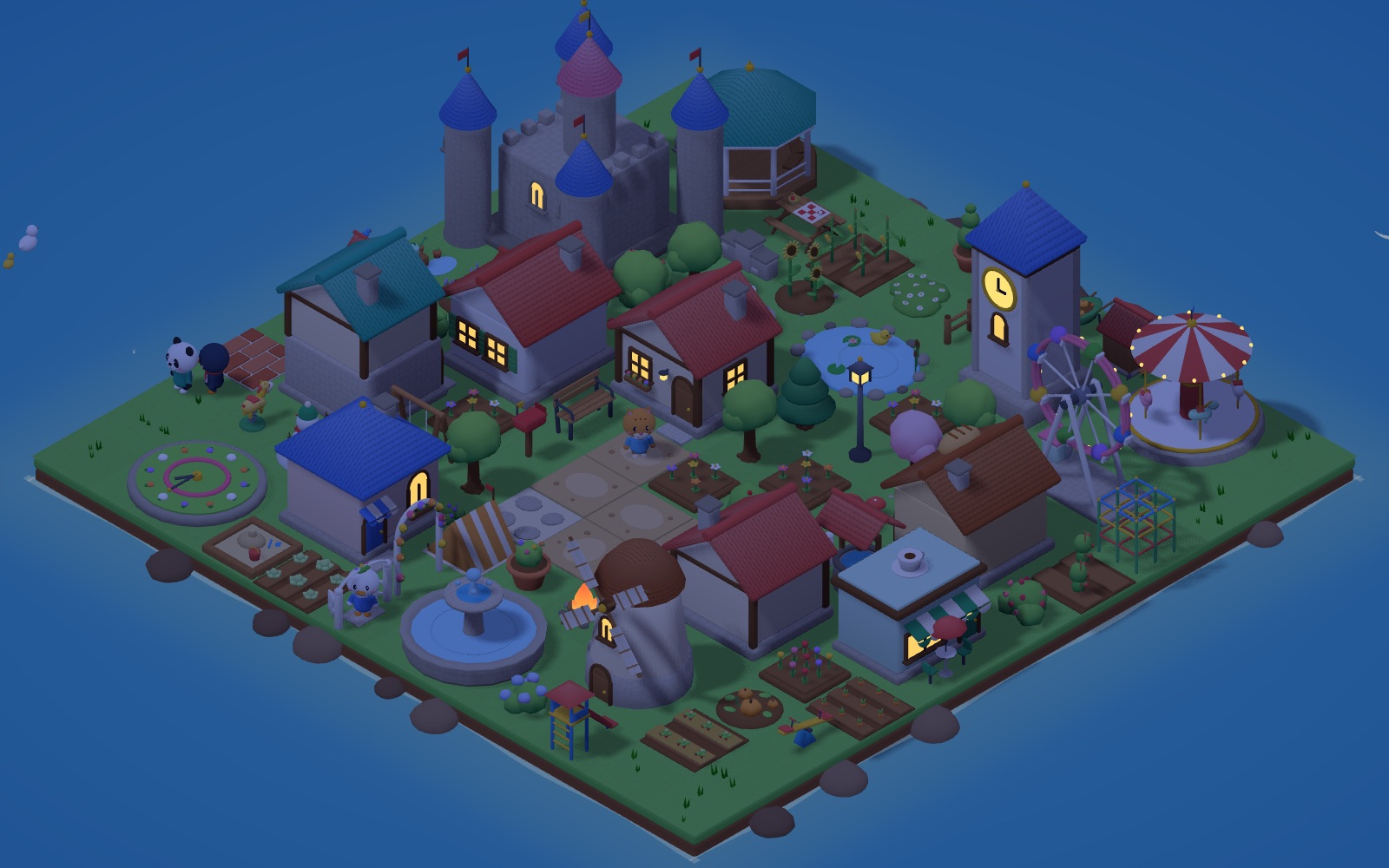
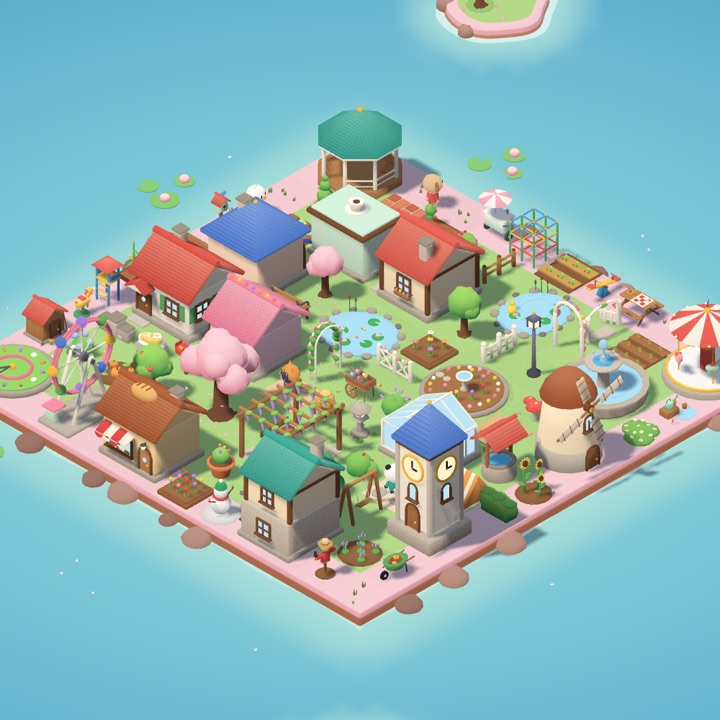
Every step you take today becomes a footprint. Spend footprints to build houses on a little island in the sea, grow vegetable gardens and flower beds, and decorate your village with the villagers who move in. Your health data never leaves your iPhone.
Coming soon to the App Store
iPhone · iOS 26 or later
How it works
Walk
Just walk like you always do. Step Village reads your step count from the Health app, so iPhone alone is enough — and Apple Watch works too.

Collect footprints
Each step becomes one footprint. Your step count goes back to zero every day, but the footprints you collect stay.
Decorate your village
Buy houses, trees, flowers and paths in the Shop and place them wherever you like. As your village levels up, new items arrive and you can expand your land.
What you can do on your island
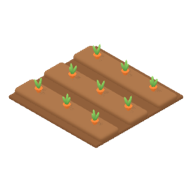
Gardens and flower beds
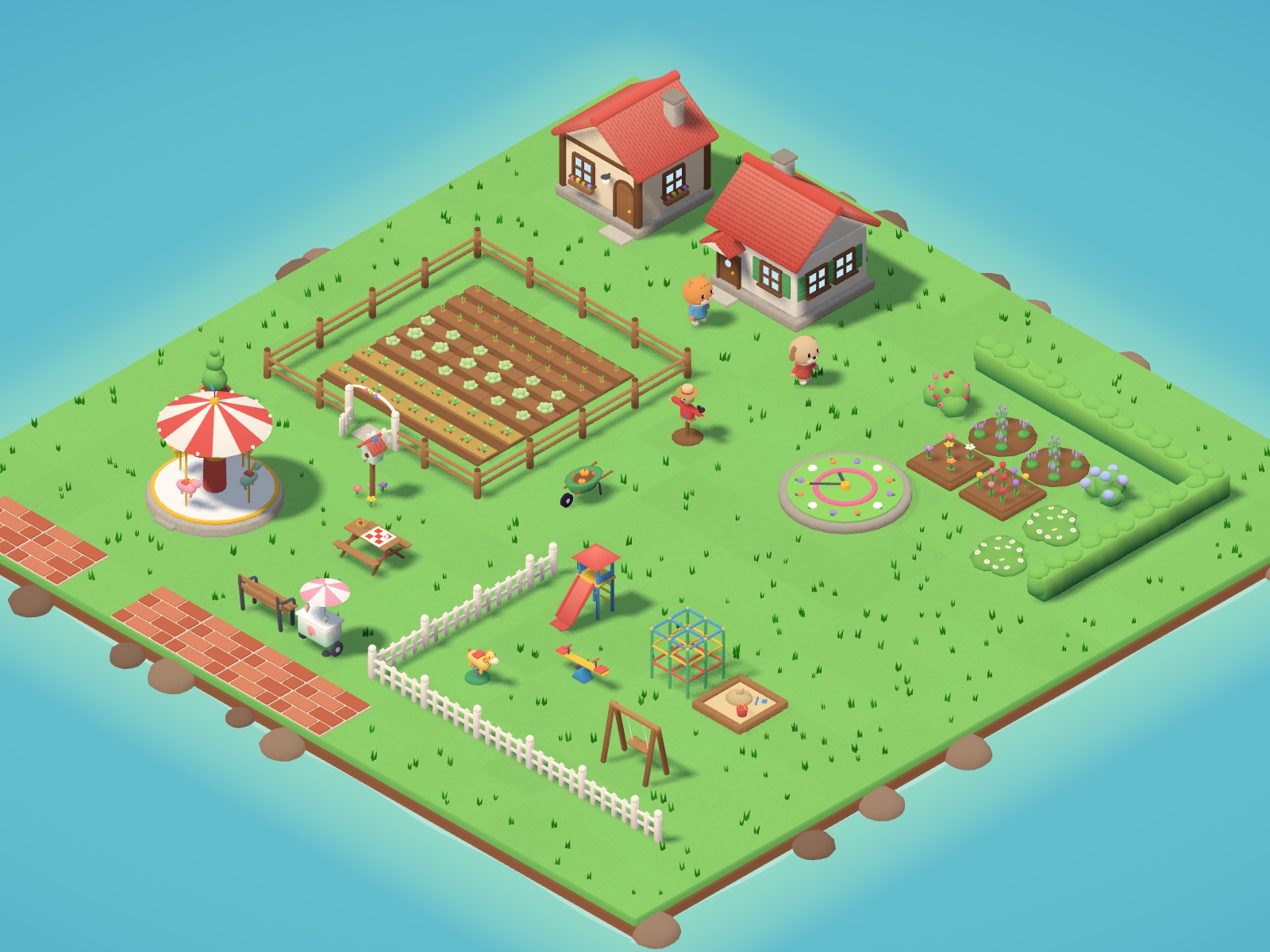
Plant carrot, cabbage and strawberry patches, grow tulips and lavender, and set a flower clock among your flower beds.
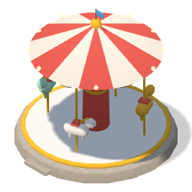
Playgrounds and parks
Build a playground with a slide, seesaw, swings and a jungle gym, then fill a park with a carousel and picnic tables.
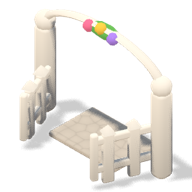
Fences that connect
Place fences side by side and they join up on their own, with neat corners where they turn. Add a garden gate and villagers walk right through.

Villagers move in
Build a house and a cute villager moves in. They drop by the bakery, rest on benches, and ride the swings and the Ferris wheel.
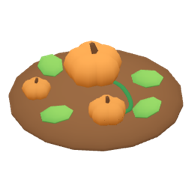
Seasonal items
Tulip beds in spring, sunflowers in summer, pumpkin patches in autumn and snowmen in winter show up in the Shop.
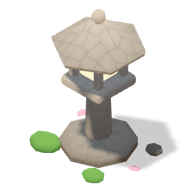
A sky that keeps time
Your village sky follows the real time of day. Sunsets glow in the evening, and windows light up at night.
A different village on every island
As your village levels up, you can open new islands. Each new island has its own items and a landmark you won’t find anywhere else.
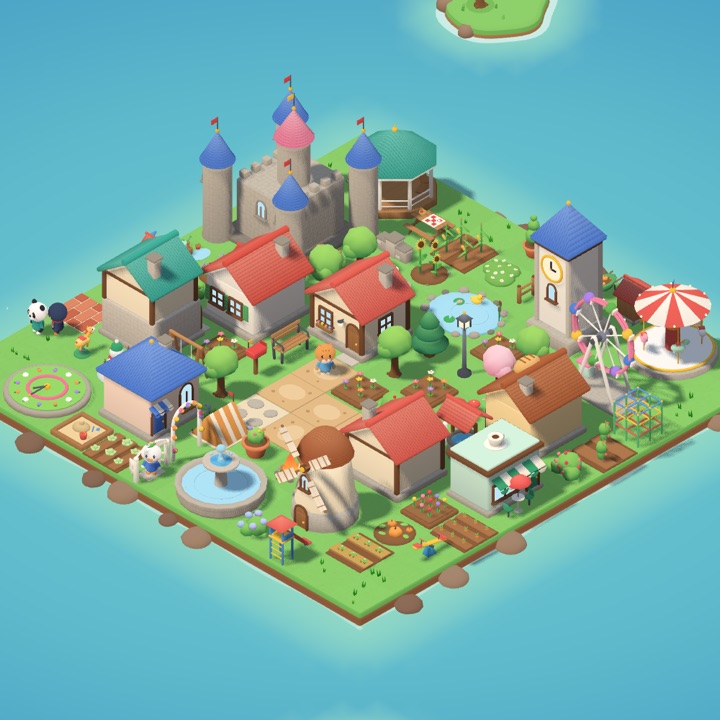
Meadow Island
Where it all begins. Build houses and shops, gardens and playgrounds — even a town hall and a castle.
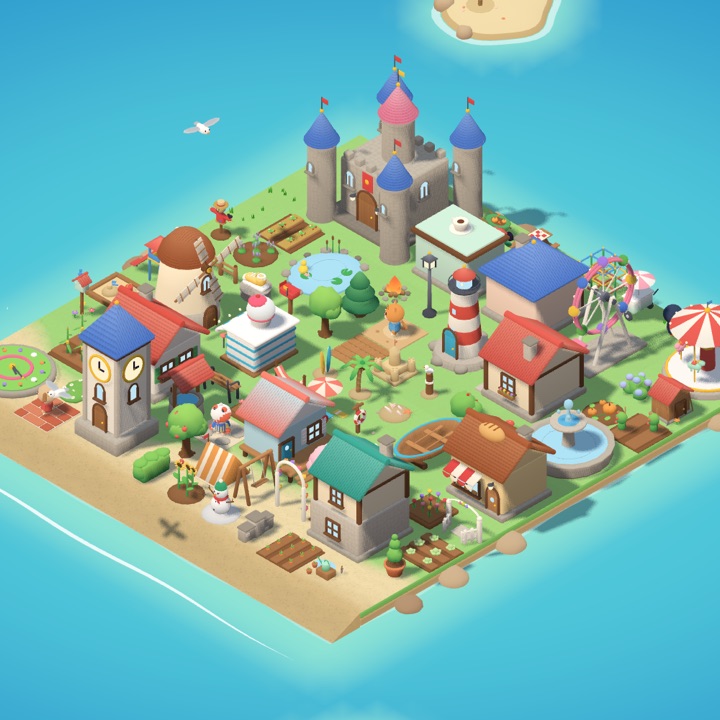
Beach Island
Palm trees and beach parasols, sandcastles and hammocks. At night, the lighthouse beam sweeps across the sea.
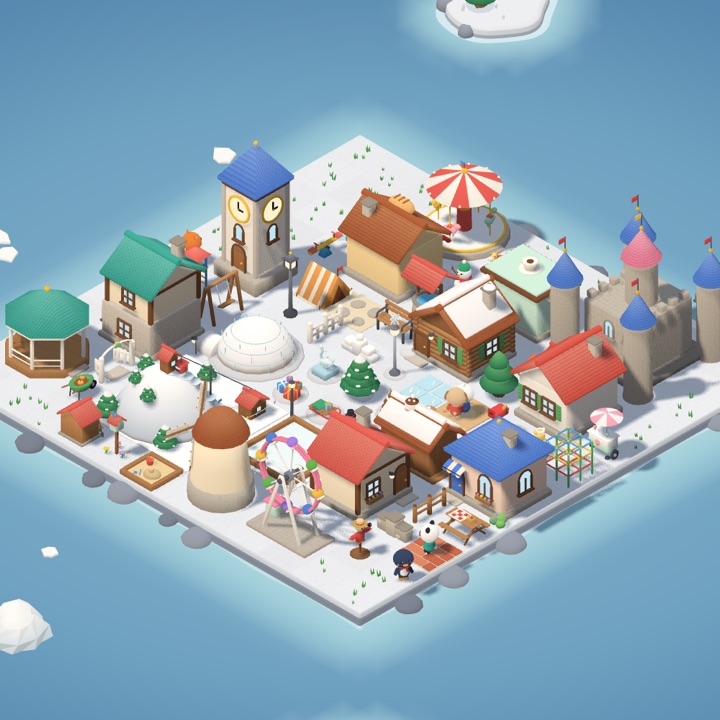
Snow Island
Igloos and log cabins, a skating rink and a cocoa stand. Gondolas glide up and down the ski hill.
Blossom Island
Flower cottages and lotus ponds, a wisteria arbor and beehives. Petals swirl beneath the grand cherry tree.
Our promise
We read only your steps
Step Village reads only your step count from the Health app. It never reads your location or your workouts.
It stays on your iPhone
Your steps and your village are processed only on this iPhone. There’s no server and no sign-up, so nothing is sent to anyone.
No ads, no analytics
Neither the app nor this site has ads or analytics tools, and this site doesn’t use cookies.
Footprints come only from walking
One step is one footprint. Steps you enter by hand don’t count, and footprints, items and land can’t be bought with money or ads.
Questions
Do I need an Apple Watch?
No. Step Village reads your step count from the Health app, so iPhone alone is enough. Steps counted by both iPhone and Apple Watch are counted only once.
My steps aren’t coming in.
In the Health app, go to your profile (top right) → under Privacy, “Apps” → Step Village → turn on “Steps”. If you only use iPhone, also make sure Settings → Privacy & Security → Motion & Fitness → “Fitness Tracking” is on.
Do steps I enter by hand in the Health app count?
No. Steps you enter by hand don’t become footprints.
What happens to my village if I get a new iPhone?
Your village lives only on this iPhone and is excluded from device backups. So if you delete the app or move to a new iPhone, your village is removed.
Is there an Android version?
For now, we’re getting the iPhone version ready first.
Your step count resets every day, but your village stays
The more you walk today, the more your little island village grows.
Coming soon to the App Store
iPhone · iOS 26 or later